HACCP records for food businesses
HACCP records your team actually keeps
A ready report for the inspector and a daily summary for the manager. You give access by person and venue, and every entry keeps a name and a time.
Haccly is in a pilot. We set up the account and agree the terms with each venue.
Features
Everything a venue records during a shift, in one place
Set the checks, limits and schedules to match your HACCP plan. Every entry keeps the person who made it.
Temperature logs
Fridges, freezers, cold rooms and hot holding, each with its own set range.
Goods received
A delivery check recorded at the back door, when the goods arrive.
Cleaning and disinfection
Cleaning tasks for areas and equipment, with the person who did them.
Corrective actions
A reading outside its limit cannot be saved until someone chooses what was done.
Schedules and due times
Fixed times, several times a day, chosen weekdays, weekly, monthly or when it happens.
Notifications and reminders
A reminder before the due time, an alert for a missed check and a daily summary by email.
Entry history
A correction is a new version with a reason. The original stays in the history.
Inspection report and export
A PDF report for a venue and a period, plus a full export as CSV or JSON.
Several venues
One company account for all its venues, each with its own areas, equipment and people.
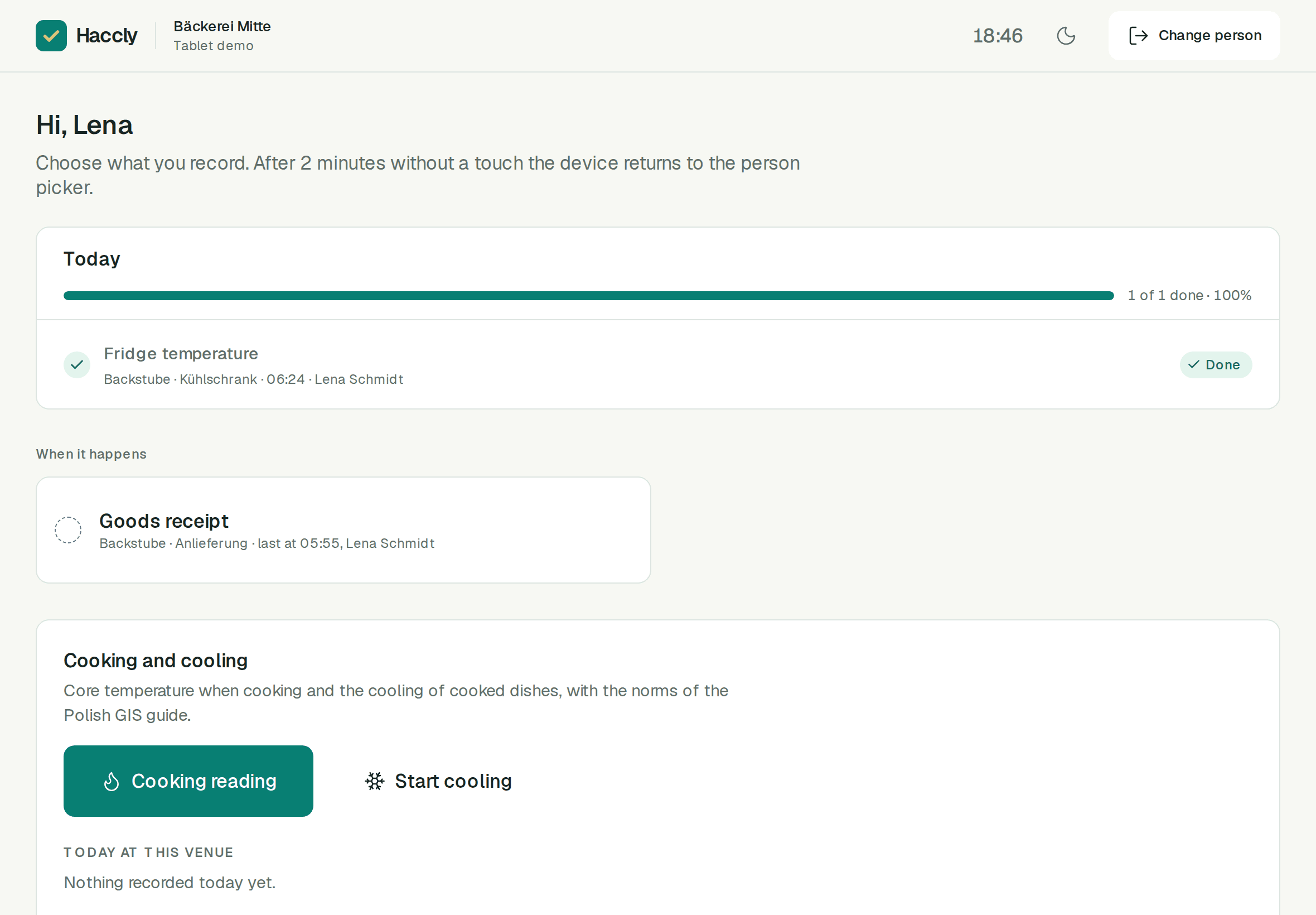
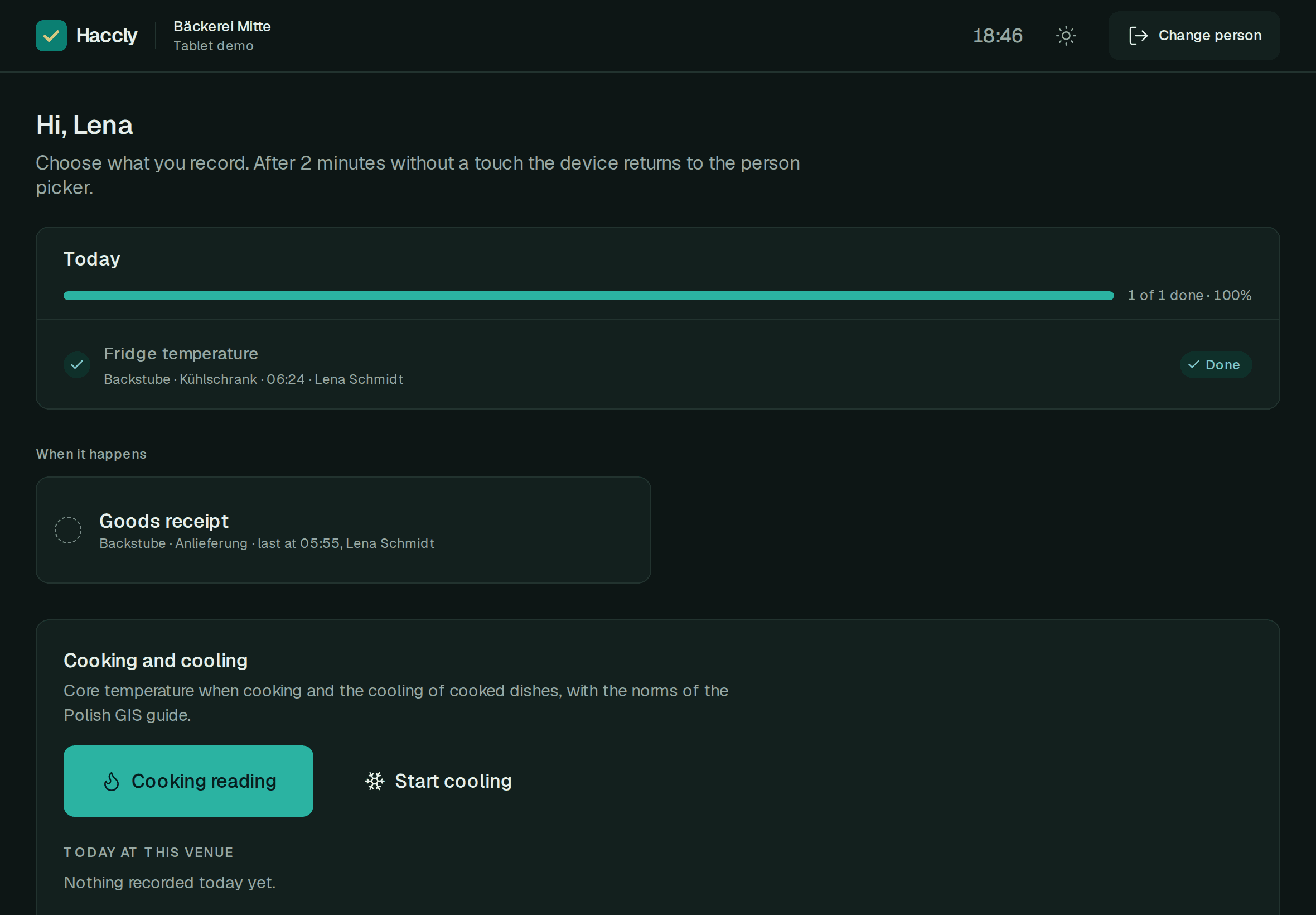
See what your people did, venue by venue
The dashboard shows what is done today, what was outside its limit and what is missing, in every venue you oversee.
- Assign people to venues and checks to equipment.
- Roles: owner, chain manager, venue manager, staff and a read-only inspector.
- The status of each check: done, outside its limit, open or missed.
- Who recorded what and when, for every entry and correction.
- Venue managers and staff see only the venues assigned to them.
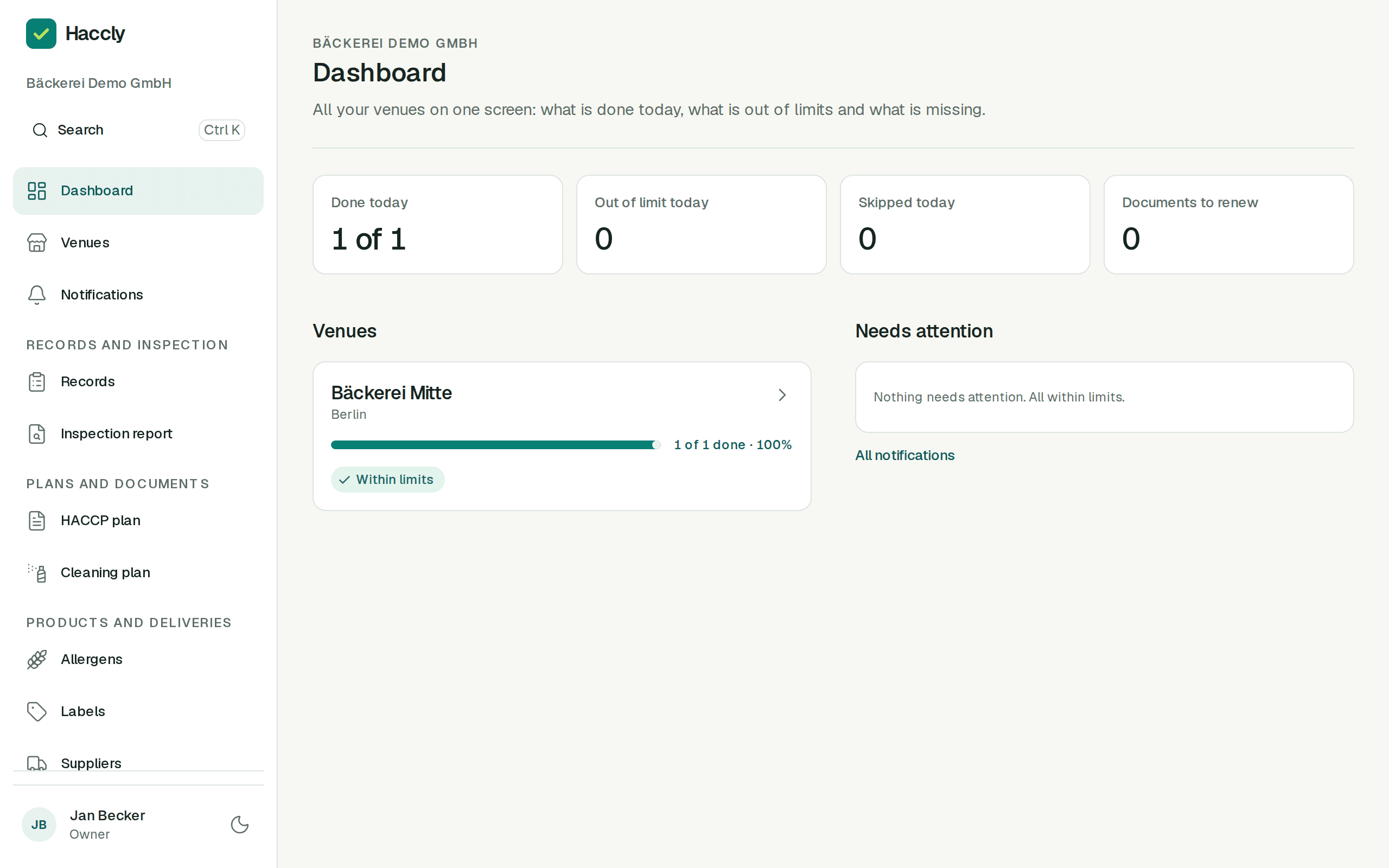
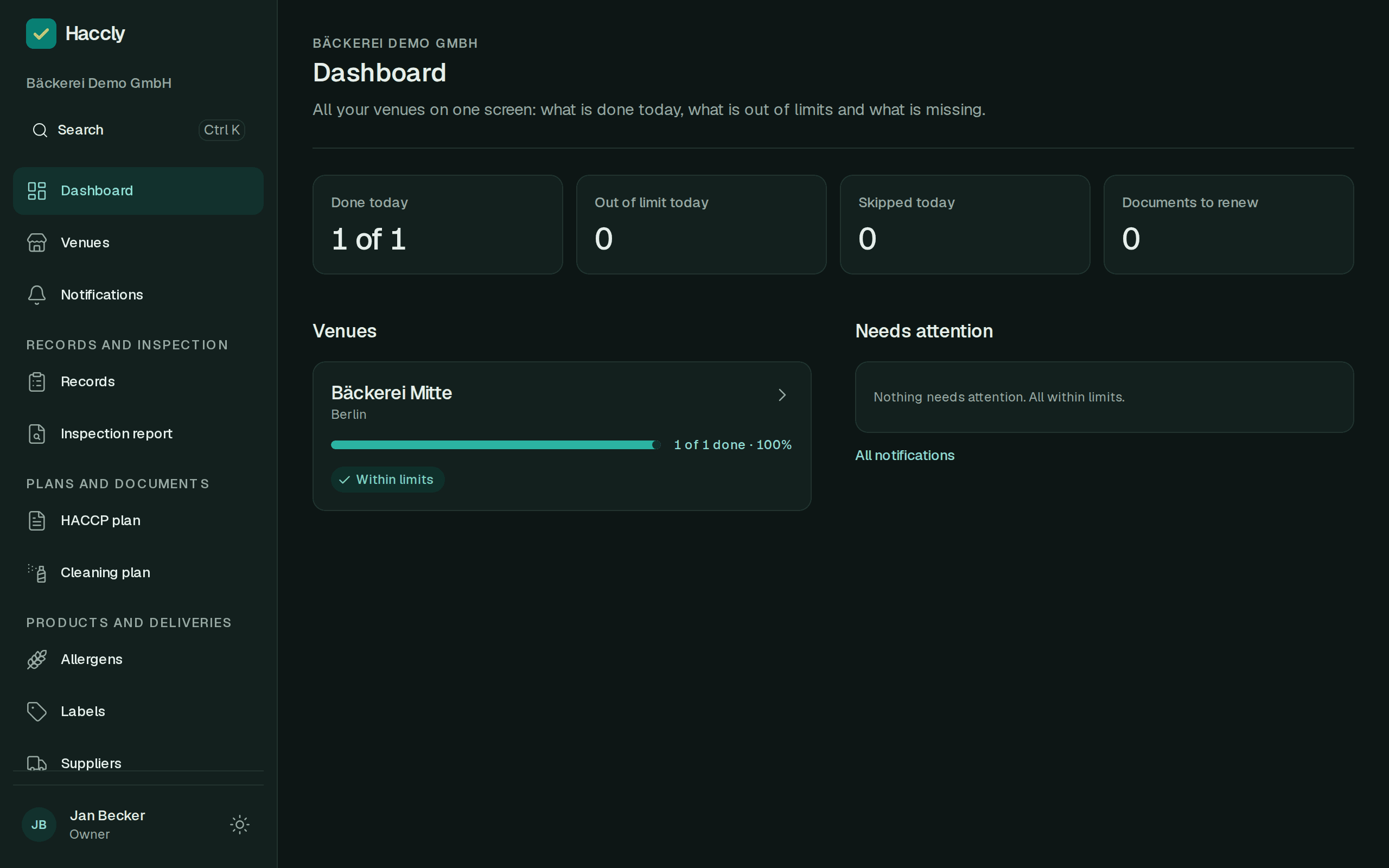
What Haccly keeps an eye on for you
- Reminders before the due time.
- Missed checks on the dashboard and in the inspection report.
- A daily email: what was missed, what was outside its limit and which certificates expire.
- No saving outside the limit without a corrective action.
- A photo attached to the entry as evidence.
- An entry flagged when a required photo is missing.
Modules you can switch on
- HACCP plan
- Cleaning plan
- Pest control
- Allergens and a QR menu for guests
- Food labels
- Batches and suppliers
- Internal audits
- Cooking and cooling
- Staff training and health certificates
- Inspector link
- Chain dashboard
We switch modules on to suit each venue.
Without Haccly
Paper records fail on an ordinary busy day
Temperature sheets in a binder
Readings get written up at the end of the shift, from memory, if at all.
Cleaning, deliveries and health certificates in separate notebooks
Every record lives somewhere else, and nobody has all of them at hand.
A missed check stays invisible
Nobody notices the morning reading is missing until someone opens the binder.
Copying readings by hand
Numbers move from a scrap of paper to a sheet, and mistakes move with them.
Searching the whole quarter before an inspection
The manager looks for sheets from three months back while the inspector waits.
How it works
An out-of-range reading cannot be saved without a corrective action
The dairy fridge reads 6.8 °C against a set range of 0 to 4 °C. Choose what was done about the goods or the fridge before saving the entry.
Marta W.
Morning shift
Fridge temperature
Fridge 2, dairy
Temperature
6.8°C
Set range: 0 to 4 °C
Choose a corrective action to save the reading
A day at the venue
From the first delivery to the inspection, every step leaves a record
07:30
Goods received
Staff record the delivery check at the back door and can attach a photo of the delivery note.
Nothing to copy out later.
08:00
Fridge checks
The tablet shows what is due now. A reading outside its limit needs a corrective action before it can be saved.
Every reading has a person and a time.
15:00
Cleaning
The work table and equipment are cleaned to plan, and the person who did it is on the entry.
The plan and what was done sit side by side.
06:00
The next morning
The manager gets an email with missed checks, readings outside limits and certificates about to expire.
A gap shows up the next day, not at the end of the quarter.
Inspection
Choose the period and download the report, or give the inspector a read-only link.
No searching through binders.
The times are an example. You set your own schedule.
Temperature log
Fridge 2, dairy
Set range: 0 to 4 °C
| Date | Time | Temperature | Entered by |
|---|---|---|---|
| 05.10 | 08:02 | 3.4 °C | Marta W. |
| 06.10 | 08:04 | 3.5 °C | Marta W. |
| 07.10 | 08:14 | 6.8 °C | Ewa R. |
| 08.10 | 08:03 | 3.3 °C | Marta W. |
- Date
- 05.10
- Time
- 08:02
- Temperature
- 3.4 °C
- Entered by
- Marta W.
- Date
- 06.10
- Time
- 08:04
- Temperature
- 3.5 °C
- Entered by
- Marta W.
- Date
- 07.10
- Time
- 08:14
- Temperature
- 6.8 °C
- Entered by
- Ewa R.
- Date
- 08.10
- Time
- 08:03
- Temperature
- 3.3 °C
- Entered by
- Marta W.
07.10, 08:14. Goods moved to a fridge for the same food group. Service called. Entered by Ewa R.
Haccly. Readings, corrective actions and entry history.
An inspection report for the period you choose, in seconds
Choose the venue and the period, then download the PDF or share a read-only link with the inspector. The report has a table for each check with the readings, the people who recorded them, corrective actions, corrections and missed checks.
The original entry stays in the history
A correction creates a new version with a reason. It does not replace the first reading.
Missed checks are in the report too
A separate section lists checks that were not done on time, so nothing is hidden.
Haccly keeps the records. The venue defines its HACCP procedures, temperature ranges and actions for handling food.
Who it is for
For venues that keep HACCP records every day
Restaurants
Fridges, hot holding, deliveries and kitchen cleaning on one tablet.
Bars and cafés
The display fridge, the ice cream freezer and cleaning the coffee machine, without a separate notebook.
Caterers
Cooking and cooling records with set limits and corrective actions.
Bakeries and patisseries
Cold rooms, receiving ingredients and the cleaning plan. We agree the set of checks with each venue.
Chains of 3 to 30 venues
One dashboard for every venue, with people assigned to their own venues.
Each franchisee is a separate company and has its own organization in Haccly. Someone from head office can have access to each of them if that company grants it.
Security
Records you can rely on, and that stay yours
- Change history
- A correction creates a new version with a reason. A recorded entry cannot be deleted.
- Access control
- Roles, venue assignment and a PIN on the kitchen tablet that locks after 5 wrong attempts.
- Data in Poland
- The application and database run on OVH in Warsaw. Files are stored on a separate server in Poland.
- Backups
- The database is backed up every night and each backup is kept for 30 days.
- Export at any time
- A PDF report, or every record as CSV or JSON, with the photos and files.
- After you leave
- For 90 days after the contract ends you keep read-only access and exports. You can request earlier deletion.
Haccly keeps the records. The venue sets its HACCP procedures, limits and actions for food. We do not guarantee the outcome of an inspection.
Questions owners and managers ask
Does Haccly replace paper records?
Yes. You keep the records in the app: each entry has a person, a time and a set range, and for an inspection you download a PDF report. The venue still sets its HACCP procedures; you can upload the HACCP plan as a PDF.
Does it help me prepare for an inspection?
The inspection report shows the entries, corrective actions, corrections and missed checks for a venue and a period. Download it as a PDF or give the inspector a read-only link valid for 1 to 30 days. We do not guarantee the outcome of an inspection.
Can I bring my existing documents?
You can upload the HACCP plan as a PDF. Old paper records stay in the binder. You keep records in Haccly from the day you start.
Can I manage several venues?
Yes. One company account covers all its venues, and the dashboard shows what was done in each of them. Venue managers and staff see only the venues you assign to them.
Can staff use their phones?
Yes. In the kitchen you can use a shared tablet where everyone signs in with their own PIN, or Haccly in a phone browser with a personal account. A phone app is on the way.
Can I add a photo to an entry?
Yes. A photo, for example of the thermometer display or the delivery note, is attached to the entry as evidence. The value is entered by the person making the entry. Reading values from photos is not available.
How is the data stored?
The application and database run on OVH in Warsaw, and files and backups on a separate server in Poland. The database is backed up every night and backups are kept for 30 days. Each company’s data is kept apart in the database.
How long does it take to get started?
It depends on the size of the venue: how much equipment, how many people and venues. We set up the account and help you get started, and the setup wizard takes you through the venue, equipment, people and schedule.
Can I correct a mistaken entry?
Yes. The author has 15 minutes, after that a manager makes the correction. A correction creates a new version with a reason, and the original entry stays in the history.
Does the kitchen tablet need internet?
Yes. Using the app and saving entries requires an internet connection. Recording without a connection is not available.
What happens to the records if I cancel?
After the contract ends, you have 90 days of read-only access with PDF, CSV or JSON export. You can request earlier deletion. The service terms describe the full process.
Who helps during the pilot?
Write to hello@haccly.eu. We answer questions and help you set up the venue.
Checks on time, a report in seconds, access under control
Haccly is in a pilot. Write to us and we will set up your venue’s account, or show you the app on a video call.